This article covers the steps to follow to add a package on your Reseller Hosting account.
TABLE OF CONTENTS
How To Add A Package On Reseller Hosting Account
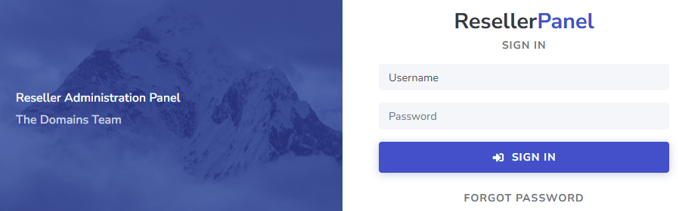
1. Login to your Domains.co.za Client Login
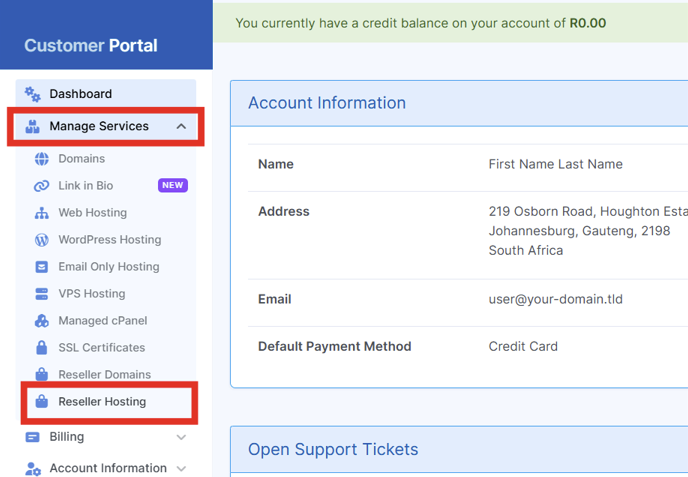
2. Select Manage Account > Reseller Hosting
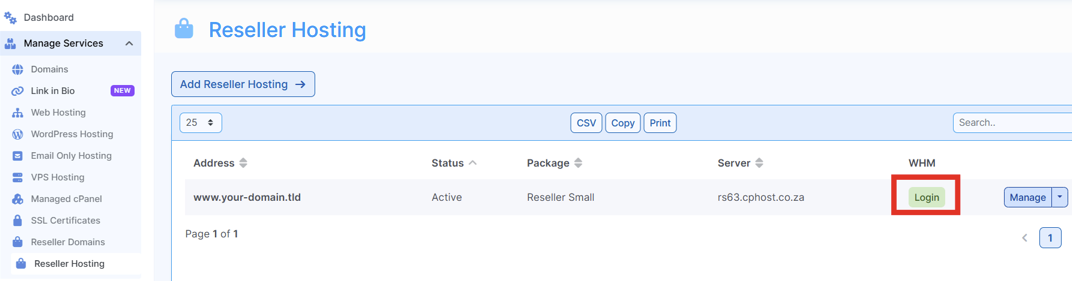
3. Select Login listed under WHM
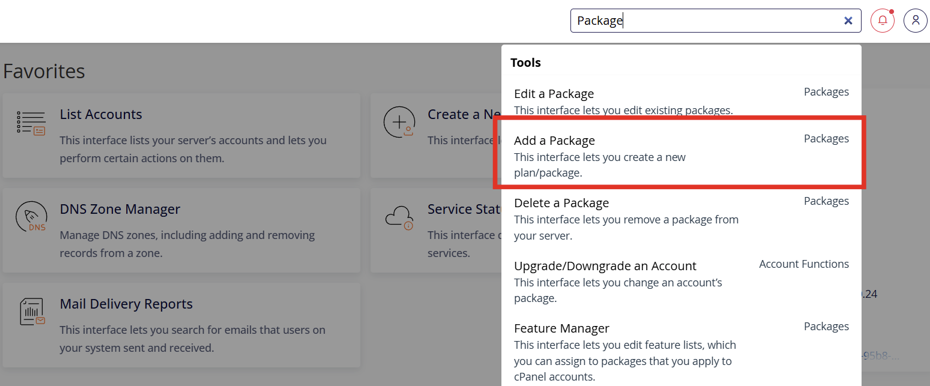
4. Select Add a Package
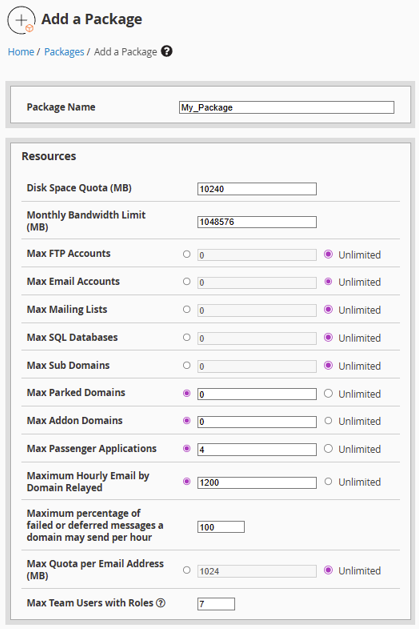
5. Enter the Package name and set the limitations
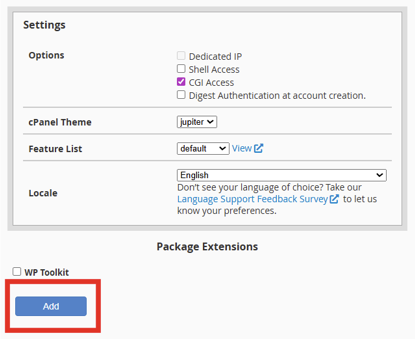
6. Select Add