





Domains.co.za offers multiple secure payments gateways to make managing your account as convenient as possible. Depending on the payment method you choose, your billing may be processed automatically each month or require manual payment completion.
This guide explains the difference between automatic and manual payment methods, and how each gateway affects your billing setup.
TABLE OF CONTENTS
Which Payment Methods Are Manual?
The following payment methods require you to login and complete payment manually each month:
- EFT (Electronic Funds Transfer).
- Ozow (Instant EFT).
- PayFast.
- Peach Payments (Pay by Bank option only).
When using any of the above methods, invoices will be generated as usual, but you must complete the payment yourself before the due date to avoid service interruptions.
Which Payment Methods Are Automatic?
The following payment methods enable automatic monthly billing:
- DPO (Credit Card Gateway).
- Peach Payments (Card payments only).
When you pay using a credit or debit card via these gateways, your card details are securely stored (tokenised), the payment method on your account is automatically updated, and future invoices will be automatically deducted each month.
Future invoices are automatically paid using the stored token.
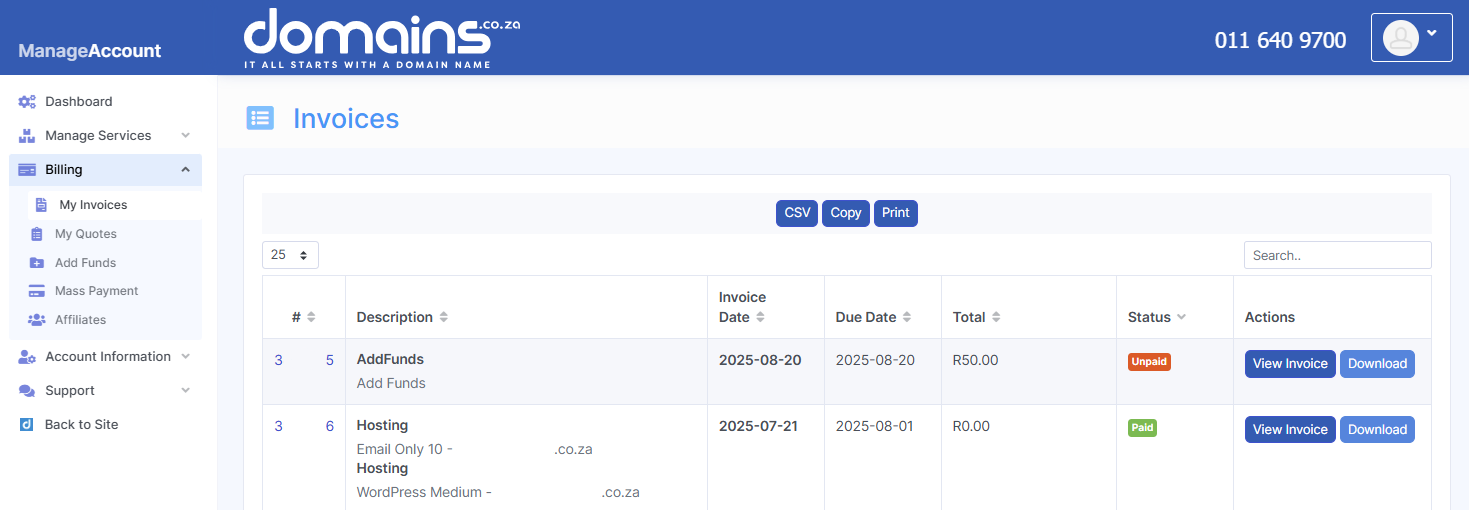
How Does Automatic Billing Work?
- Your card details are securely saved after your first successful payment.
- Future invoices are automatically paid using the stored card.
- This helps ensure uninterrupted service without needing to complete payments manually.
Can I Remove My Saved Card Details?
Yes. If you do not want your card details to be stored for automatic billing:
- You must contact Domains.co.za and request the removal of your saved card details.
- This request must be submitted in writing.
- Once removed, you will need to manually enter your card details again for future payments.
Please note that if you pay by card again in the future, the system will store (tokenise) your card details once more, and automatic billing will resume unless you request removal again.
Additional Information
- Automatic billing is only activated when paying via card-based gateways (DPO or Peach Payments – Card).
- Manual payment methods require consistent attention to ensure invoices are paid on time.
- The storage and use of card details for automatic billing is outlined in the Domains.co.za Terms and Conditions (Section 8.14). Domains.co.za provides a flexible billing system designed to accommodate both hands-on users and those who prefer a more automated experience.
- When using manual payment methods, it is important to monitor your invoices regularly and ensure payments are completed before the due date. Failure to do so may result in suspended services such as domain registrations, website hosting, or email functionality.
- For users who prefer convenience, automatic payment methods offer a seamless solution by ensuring invoices are settled on time without manual intervention.
- It is also important to note that automatic billing is triggered specifically by card-based transactions. Once enabled, the system will continue to use the stored card details for future payments unless they are removed.
- If you prefer not to store your card information, you will need to request its removal after each card transaction and manually re-enter your details for future payments.
- If you are unsure which payment method is best suited to your needs, or if you require assistance managing your billing preferences, Domains.co.za is available to assist.
Login to Domains.co.za Account
1. Go to the Domains.co.za website Account Login page.

2. Enter your Email and Password and click the Sign In button.
3. You will see the Domains.co.za Dashboard, displaying the Manage Account menu on the left and your Account Information, Account Overview and Open Support Tickets on the right.


