






This article will explain how long is a domain valid for, and how it ensure uninterrupted website access, and email functionality.
A domain name is registered for a specific period and must be renewed before it expires to maintain ownership. At Domains.co.za, domains are typically registered or transferred for a minimum period of one year.
Depending on the domain extension, domains ownership can usually be registered for periods ranging from one to 10 years. Renewing your domain before its expiry date is extremely important, as expired domains can stop operating and can eventually become available for public registration again.
TABLE OF CONTENTS
Domain Registration Periods
When registering a domain name, you can select the registration term available for that specific extension.
Most domains are valid for:
- One year.
- Two years
- Up to 10 years for certain extensions.
The expiry date is based on the date the domain was registered or last renewed.
How to Check to See How Long is Your Domain Valid for
1. Login to the Domains.co.za Customer Portal using your account credentials.
2. Click Manage Services from the main dashboard menu.
3. Select Domains to view all domains associated with your account.
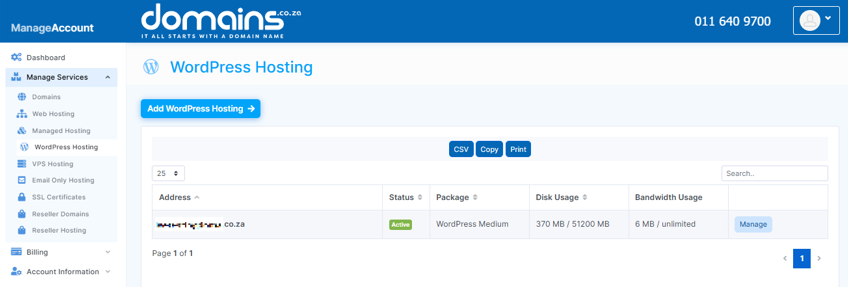
4. Locate the domain you wish to check.
5. Review the Expiry Date column to see when the domain registration expires.
6. Verify whether Auto Renew is enabled for the domain.
Additional Information
- Domains must be renewed before the expiry date to avoid service interruptions.
- Renewal reminder notices are usually sent before the domain expires.
- If Auto Renew is enabled and a valid payment method is saved, the domain may renew automatically.
- Expired domains may enter a grace period during which renewal is still possible.
- Domains that enter redemption status may require an additional redemption fee to restore.
- If a domain is not renewed even after its redemption period, it will eventually be deleted and become available for registration by another person or business.
- Domain expiry will affect websites, email services, and DNS functionality linked to the domain
- Keeping your contact details updated ensures you receive renewal notifications and important account notices.
Login to Domains.co.za Account
1. Go to the Domains.co.za website Account Login page.

2. Enter your Email and Password and click the Sign In button.
3. You will see the Domains.co.za Dashboard, displaying the Manage Account menu on the left and your Account Information, Account Overview and Open Support Tickets on the right.


