Yes, you can specify an alternative DNS server for a domain registration. This feature is only available on our Domains Reseller Accounts when creating a DNS Name Server Template. To do this, you may follow the below steps:
IMPORTANT:
This is only available to Domain Resellers.
How To Create an Alternative DNS Server
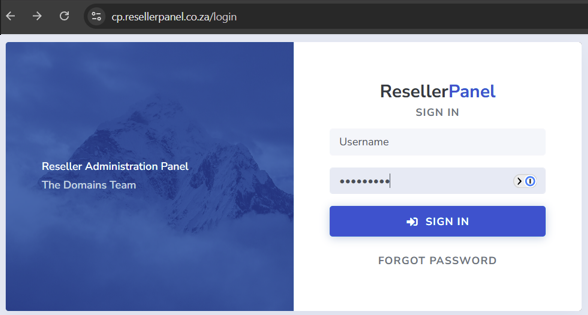
1. Login to your Domains Reseller Account.
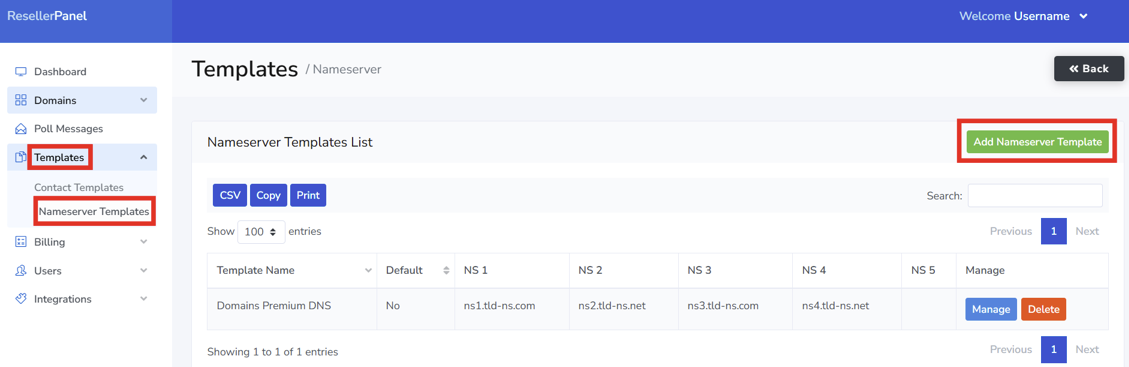
2. Select Templates and then Nameserver Templates click on Add Nameserver Template
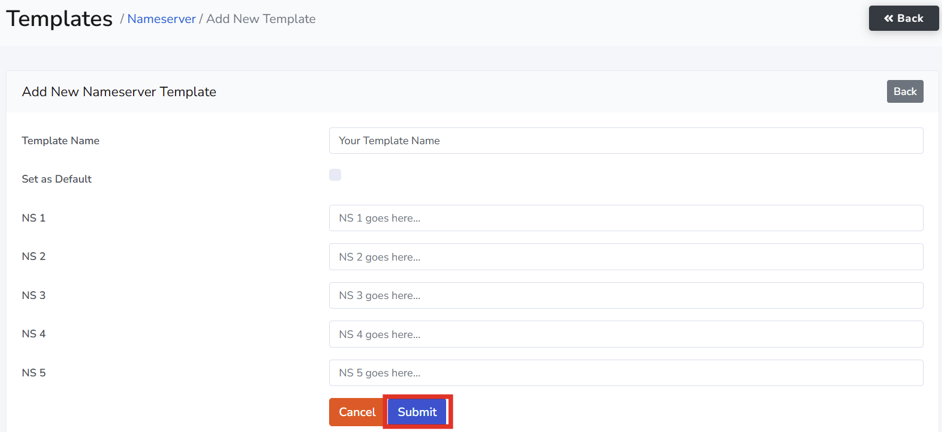
3. Complete the required fields below, then click Submit.
- Template Name
- Set As Default – only check this box if you are certain you want the Template set as your default.
- NS 1 address
- NS 2 address
- NS 3 address
- NS 4 address
- NS 5 address